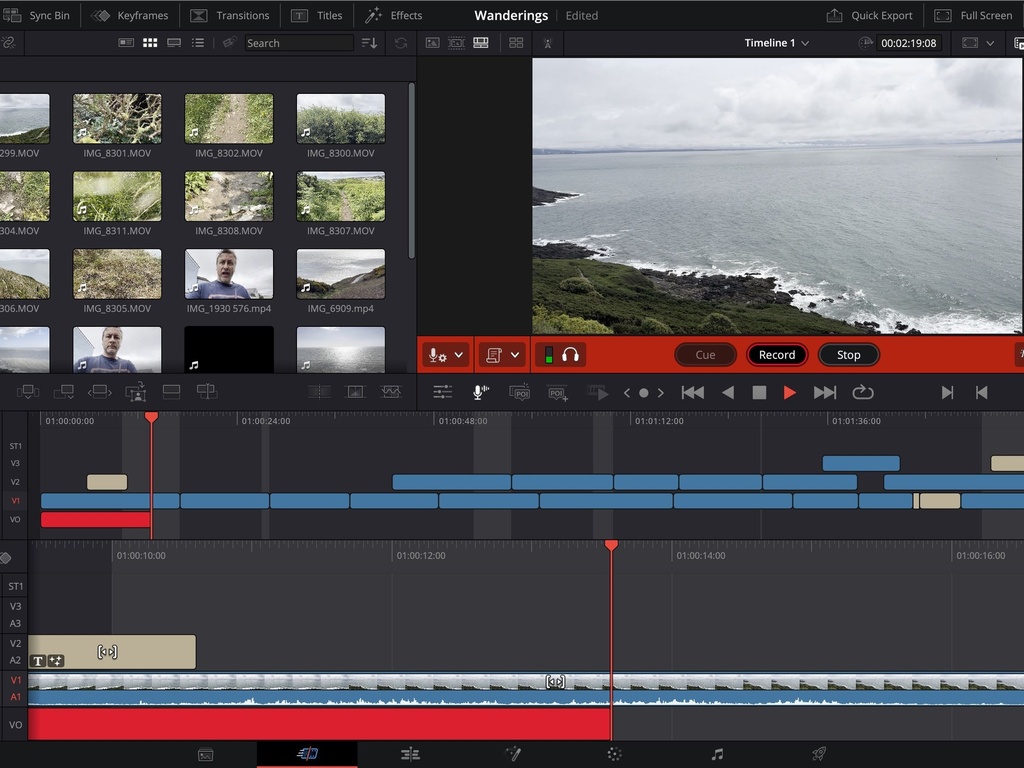
DaVinci Resolve Editing Guide
Course objective: Take an editor who has completed the DaVinci Resolve Beginners Guide from “can make a basic cut” to fluent on the Cut and Edit pages specifically — able to choose the right page for the job, edit at speed with three-point editing and full trim control, and follow DIC’s assembly-to-fine-cut workflow discipline, entirely keyboard-driven.
Course Locked
Finish
DaVinci Resolve Beginners Guide
to unlock
or
join
anyway
| Responsible | Danica Reed |
|---|---|
| Last Update | 08/13/2026 |
| Completion Time | 1 hour 20 minutes |
| Members | 1 |
Intermediate
Post-Production
-
The Cut Page: Fast, Deadline-Driven Editing (empty)4Lessons · 20 min
-
Why the Cut Page Is Fast
-
The DIC Fast-Cut Workflow
-
Cut-Page-Only Tools
-
When to Leave Cut for Edit
-
-
The Edit Page: Precise, Layered Finishing (empty)6Lessons · 30 min
-
Three-Point Editing
-
Trim Modes Beyond the Basics
-
The Inspector
-
Retime, Speed Ramps & Keyframing with Ease
-
Multicam & Text-Based Editing
-
The DIC Edit-Page Workflow
-
-
Editing at Speed: Shortcuts & DIC Workflow Discipline (empty)4Lessons · 20 min
-
The Universal Set
-
Page-Specific Shortcuts
-
Markers & Timeline Organization
-
Snapshots and DIC’s Save/Backup Discipline
-
-
Wrap-Up and Knowledge Check (empty)1Lessons · 10 min
-
Knowledge Check10 xp
-