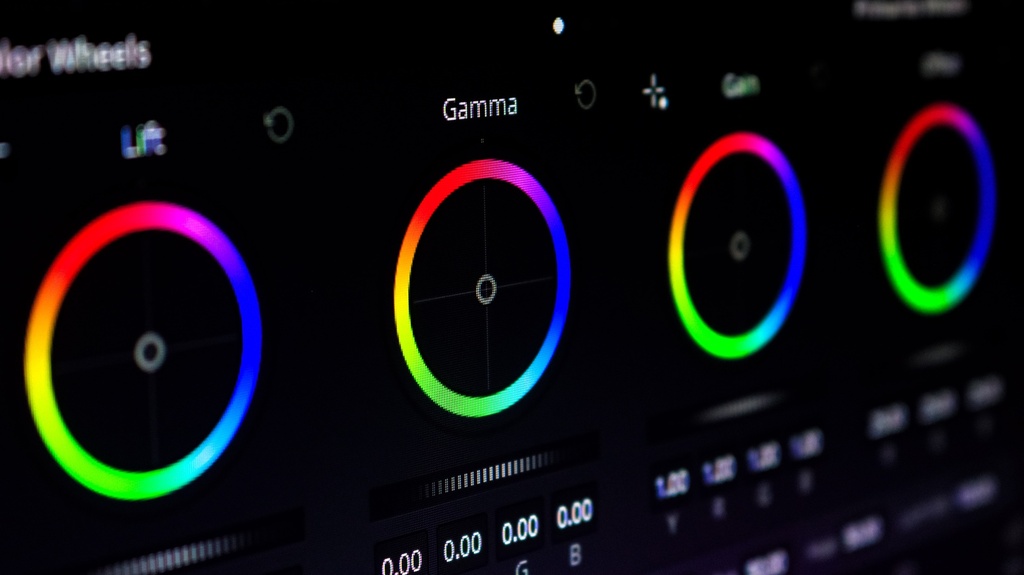
Davinci Resolve Colouring Guide
Course objective: Take an editor who has completed the Beginners Guide and the Editing Guide from “can do a basic primary pass” to fluent on the Color page specifically — able to set the correct pipeline for any DIC camera, build the DIC base node tree to scopes, isolate and protect parts of an image with secondaries and Magic Mask, build all three DIC signature looks, reverse-engineer a client reference, and bank/hand off a grade the way DIC actually works.
Intermediate
Post-Production
-
Color Page Fundamentals (empty)4Lessons · 20 min
-
Setting the Colour Pipeline Per Project
-
Input Transforms for the DIC Fleet
-
The Color Page Layout & the Node Graph
-
Node Types
-
-
The DIC Base Node Tree & Primary Correction (empty)4Lessons · 20 min
-
The Base Tree
-
Primary Correction to Scopes
-
Matching Shots Within a Scene
-
Protecting Skin
-
-
Secondaries & Isolation Tools (empty)4Lessons · 20 min
-
Qualifiers (HSL Keys)
-
Power Windows & the Tracker
-
Magic Mask
-
Noise Reduction & Sharpening
-
-
DIC’s Three Signature Looks (empty)4Lessons · 20 min
-
Corporate
-
Music Video
-
Commercial/Product
-
Matching a Client-Sent Reference Look
-
-
Banking, Delivering & Handing Off the Grade (empty)3Lessons · 15 min
-
PowerGrades & Stills
-
Copying and Rippling a Grade Across a Scene
-
Delivery Handoff
-
-
Wrap-Up and Knowledge Check (empty)1Lessons · 10 min
-
Final Quiz10 xp
-